

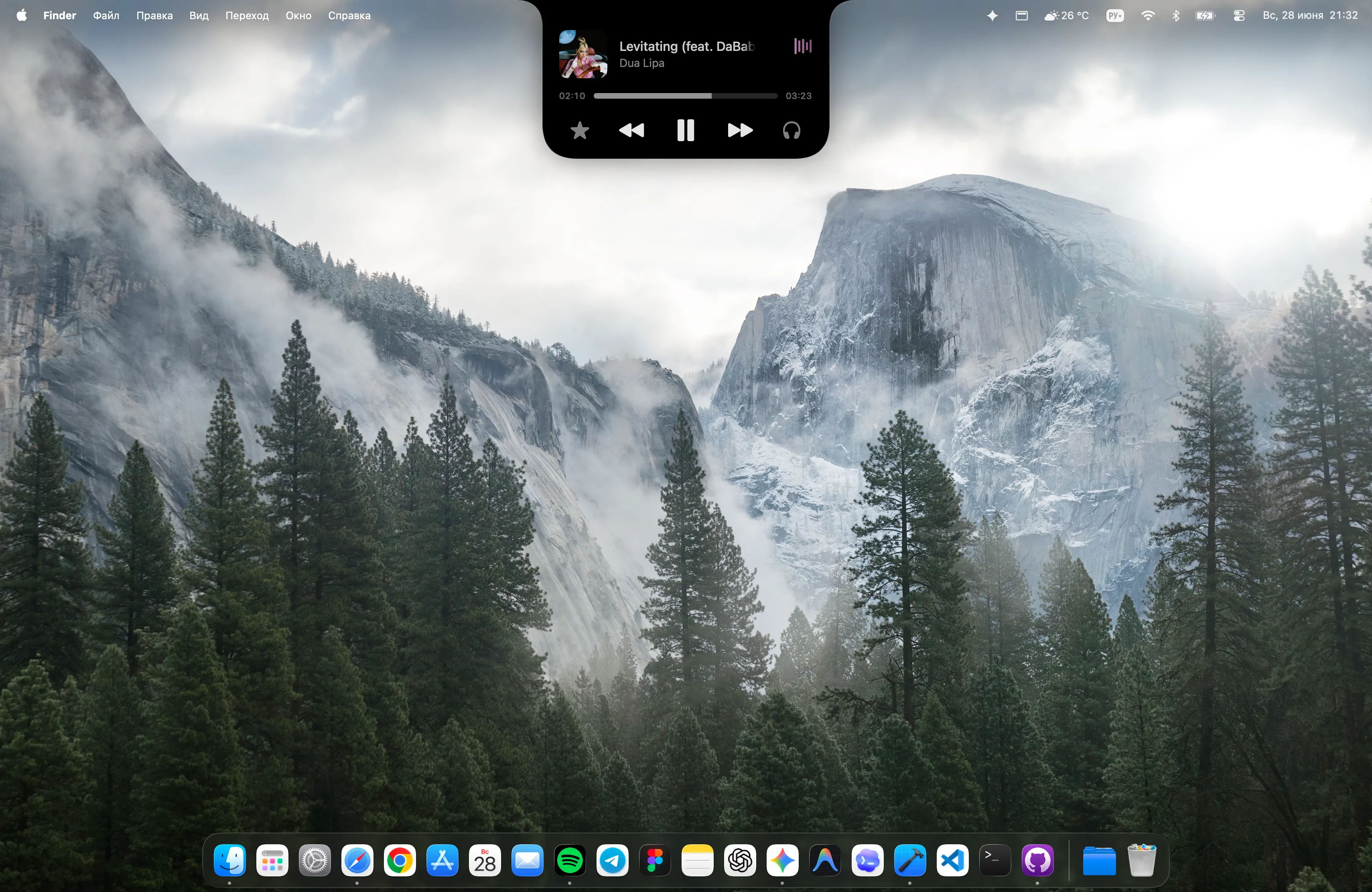
Now Playing
Stay in the flow.
Keep the soundtrack.
See the track, check its progress, and pause or skip without bringing the music app to the front.
Works with supported Now Playing sources. Availability can vary by app.
NotchMind for macOSIn development
Control your music. Keep a file close. Follow a timer.
The things you reach for, right at the top of your Mac.
Planned for Apple silicon · macOS 15 or later

See what’s playing and reach playback controls without switching back to your music app.

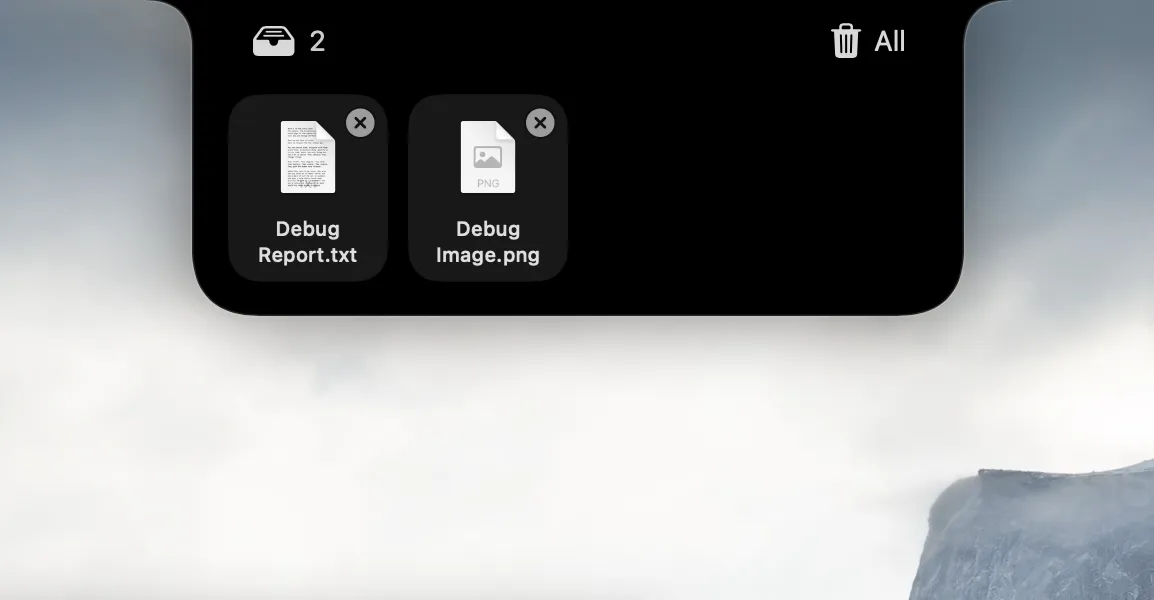
Drop the file you’re working with into the Shelf. Reach it again without hunting through windows.

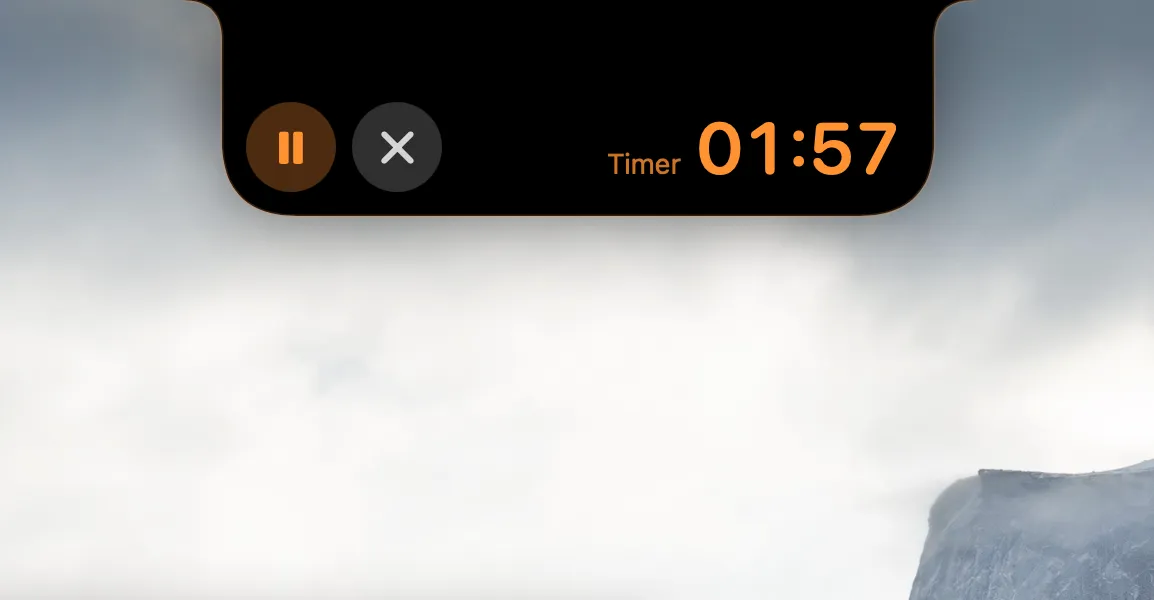
Give your countdown a place at the top of the screen, with pause and stop controls close by.

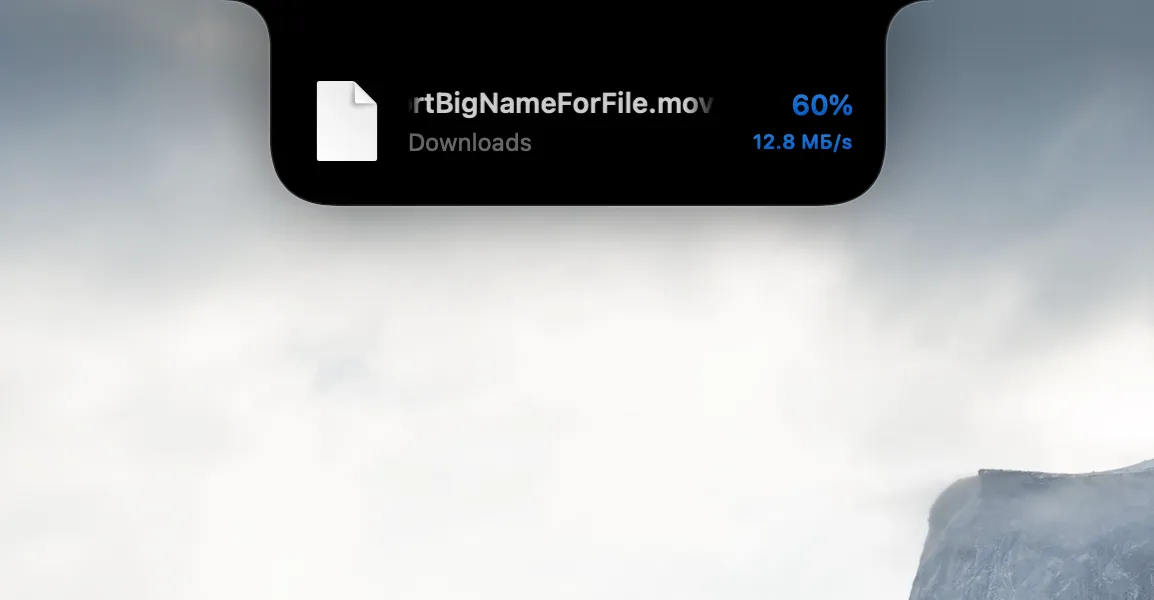
Check a supported download’s progress from the notch instead of repeatedly returning to its window.

See a connection notice for a supported Bluetooth device, with battery information when the device provides it.

See charging and battery updates where you can notice them, while keeping your work in front of you.
Choose a feature to change the screenshot. These are existing development captures, not a live app simulation. Appearance and supported behavior may change before release.
A Mac utility. A familiar place.
NotchMind adds a small, expandable workspace around your Mac’s notch. Open a tool when you need it, or glance at a useful update while you work.
Hover at the top of your screen to open NotchMind’s tools.
Pause a track, find your working file, or check the countdown.
Click outside to collapse the panel. Your workspace stays yours.
Development preview. Features depend on settings, permissions and supported source apps.
See what it actually does
A closer look at the tools inside the notch. Each view below is captured from the app.
Now Playing
See the track, check its progress, and pause or skip without bringing the music app to the front.
Works with supported Now Playing sources. Availability can vary by app.
File Shelf
Drop the file you’re working with into the Shelf. Reach it again without hunting through windows.

Keep a reference to the original, or choose Keep a Copy for a separate local copy. The Shelf is not a backup service.
Timer
Give your countdown a place at the top of the screen, with pause and stop controls close by.

A local timer, with pause and stop controls within reach.
Downloads
Check a supported download’s progress from the notch instead of repeatedly returning to its window.

Progress depends on the download source and what the app can monitor.
Bluetooth
See a connection notice for a supported Bluetooth device, with battery information when the device provides it.

Device names and battery levels depend on information supplied by the connected device.
The little updates, too
Power connected. Focus on. Sound adjusted. NotchMind gives everyday status changes a small, visible place.

Charging
A compact confirmation when your Mac is charging.

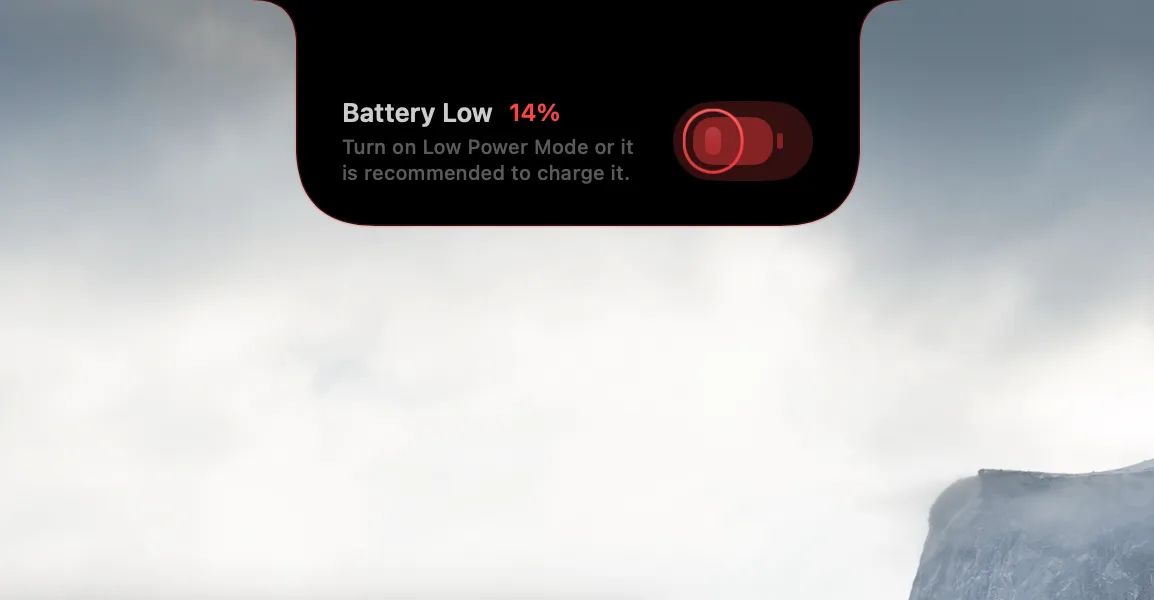
Low battery
A visible low-battery notice before your work is interrupted.

Focus
See when Focus is on, with a small status at the notch.

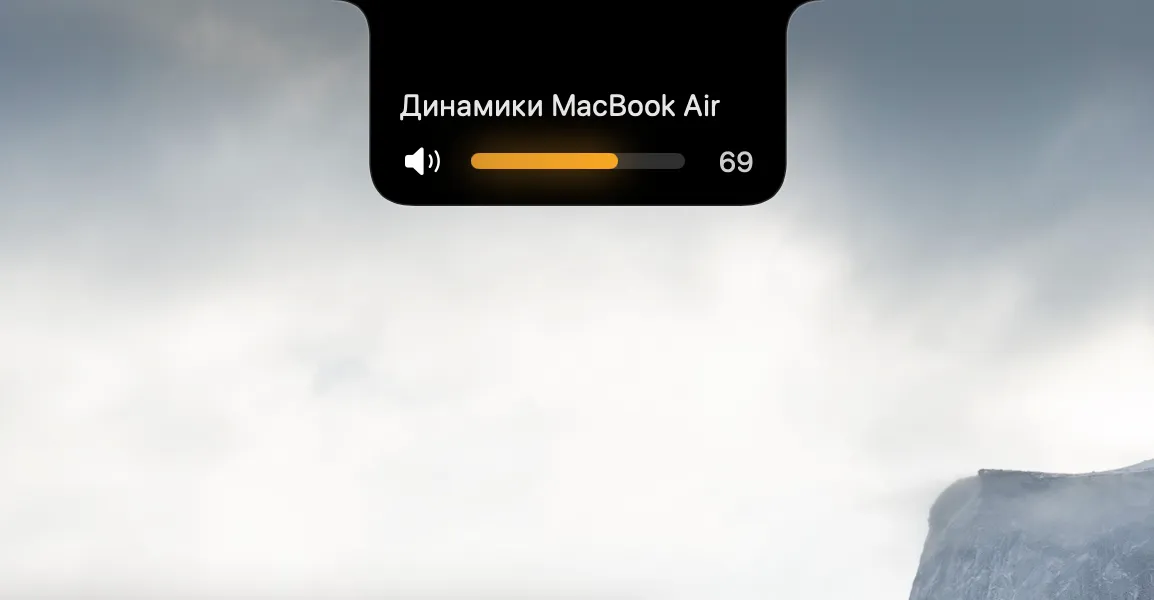
Volume
A compact volume display when you adjust your sound.

Hotspot
A small connection signal, without another window.
Existing development captures. Some show older labels or languages. The public release will list tested hardware, apps and behavior.
Start with what you copy
A link, valid JSON, a color. NotchMind recognizes supported formats locally and offers a relevant next action.
These are example inputs and actions, not a screenshot. Local recognition works without Smart Mode.
About local processinghttps://example.comOpen link{"hello":"world"}Format JSON#8B5CF6Preview colorYou choose the action. Copying a link does not automatically open it.
One useful signal at a time
NotchMind’s local priority system ranks supported events for the collapsed notch. Optional Smart Mode adds classification for eligible clipboard and file text. It is not a chat assistant, and it does not control every app.
See where Smart fitsChoose what goes beyond your Mac
Smart Mode is off by default. Turn it on only after reviewing what it sends.
Supported clipboard actions, Secret Guard checks and eligible-image text recognition run on your Mac. Suspected secrets detected by those checks are excluded from Smart classification.
Detection is not a guarantee that every sensitive item will be found.
For supported clipboard and file features, Smart Mode sends minimized text snippets to NotchMind’s server and TypeSafe Jev for classification.
The file-classification path does not upload original files or screenshots. Public Smart availability awaits the final processing disclosure.
Updates, lyrics and actions that open online services can also use the network. License checks are planned for the paid release. Turning Smart Mode off does not make every app feature offline.
How your data is handledGood questions, straight answers.
NotchMind is a native Mac utility that puts supported clipboard actions, a File Shelf, basic tools and timely signals at the top of your screen. Optional Smart Mode adds classification for eligible clipboard and file text. It is not a chat assistant or a replacement for all your apps.
The planned target is Apple silicon and macOS 15 or later. Final compatibility will be listed with the download.
The website currently focuses on the MacBook notch experience. We are not promising equivalent behavior on every notchless Mac or external display. Check the tested display configurations on the download page before installing.
Supported local clipboard actions do not need Smart Mode. When you enable Smart Mode for supported features, minimized text snippets can be sent to NotchMind’s server and TypeSafe Jev for classification. Suspected secrets detected locally are excluded, but detection cannot guarantee that every sensitive item will be found. Read the privacy information before opting in.
The current development distribution is ad-hoc signed and is not notarized by Apple. Public installation guidance will accompany a verified release. Never disable Gatekeeper globally or bypass a malware warning to install NotchMind.
Right here, when you need it.
NotchMind is in development. Public availability will be announced here.
Contact usPlanned for Apple silicon. macOS 15 or later.